Visibility is essential — but it shouldn’t come at any cost.
Monitoring is a critical part of running Azure Virtual Desktop.
Without it, you’re blind to performance issues, login delays, and user experience problems.
But there’s a trade-off that many teams don’t fully realise:
Observability isn’t free.
And in many environments, Log Analytics quietly becomes one of the largest — and least optimised — costs in Azure.
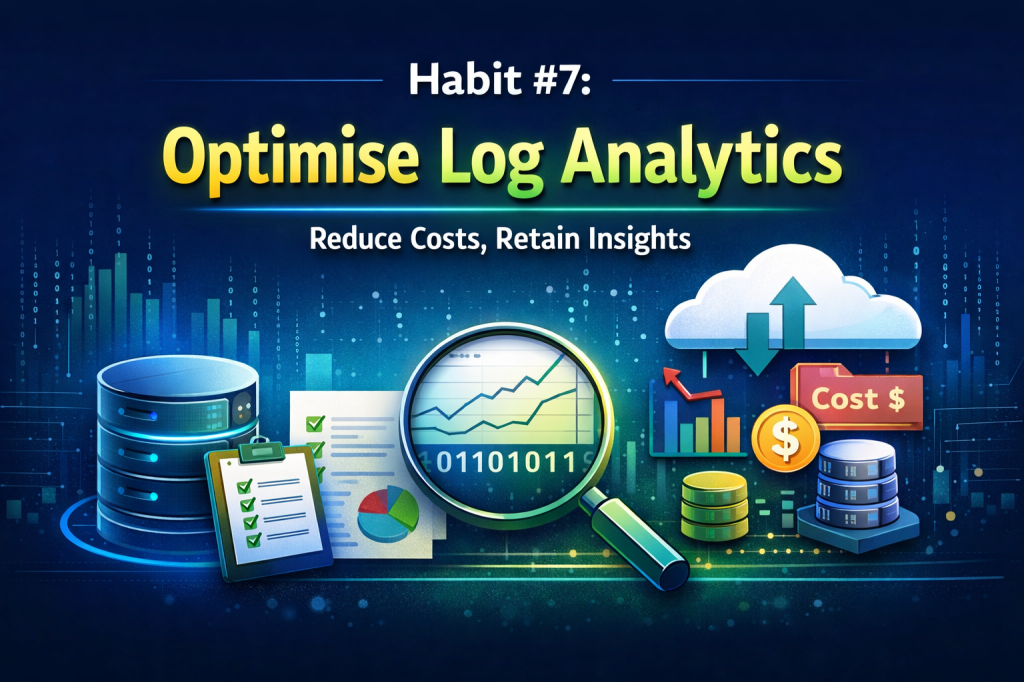
That’s where Habit #7 comes in.
Highly effective admins don’t just enable monitoring.
They optimise it.
The Hidden Cost of Visibility
Log Analytics is incredibly powerful.
It provides deep visibility into:
- Session performance
- User experience
- Host health
- Application behaviour
But it works by ingesting data.
And in Azure, you don’t pay for storing most of that data (at least initially).
You pay for ingesting it.
That means:
The more frequently you collect data, the more you pay.
In many AVD environments, default configurations collect data far more frequently than needed for day-to-day operations.
The result?
High ingestion volumes… and unexpectedly high costs.
What Log Analytics Optimisation Really Means
Optimising Log Analytics isn’t about turning monitoring off.
It’s about collecting the right data, at the right frequency, for the right purpose.
In Nerdio Manager for Enterprise, admins have control over how telemetry is collected and retained.
This includes:
- Data collection frequency (polling intervals)
- Performance counters being captured
- Retention periods
The goal isn’t to reduce visibility.
It’s to remove unnecessary noise.
The Three Pillars of Habit #7
Like every habit in this series, this comes down to consistent, repeatable behaviour.
Pillar 1: Review What You’re Collecting
Most environments collect far more data than they actually use.
Highly effective admins regularly review:
- Which performance counters are enabled
- Whether those metrics are actively used
- Which dashboards or reports depend on them
A simple question helps guide this:
“If we stopped collecting this data, would anyone notice?”
If the answer is no, it’s likely unnecessary.
Pillar 2: Adjust Collection Frequency
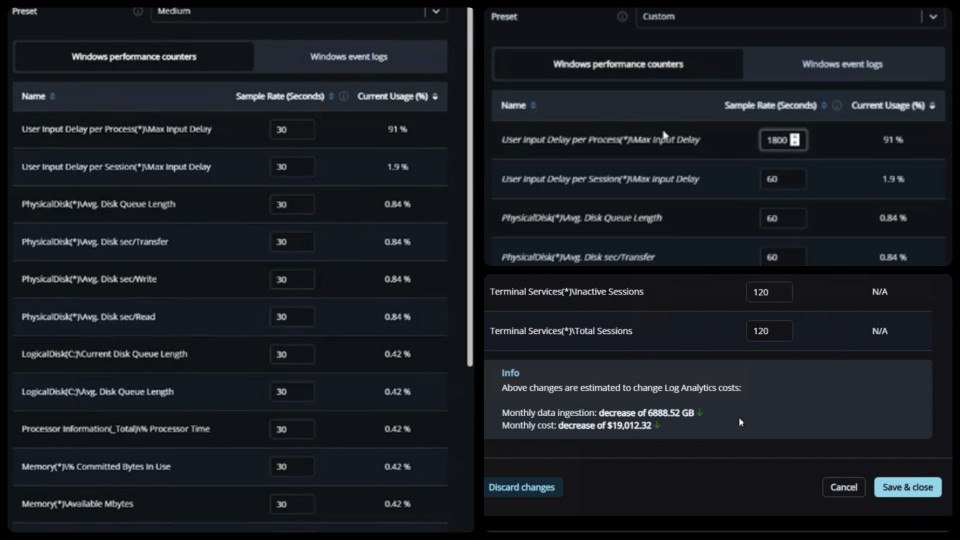
One of the biggest cost drivers in Log Analytics is how frequently data is collected.
By default, many metrics are captured every 30 seconds.
For most environments, that level of granularity isn’t required.
Adjusting polling intervals to:
- 60 seconds
- 120 seconds
- Or even longer for certain metrics
…can significantly reduce ingestion volume without materially impacting visibility.
The data is still there.
It’s just collected more efficiently.
Pillar 3: Align Retention with Real Needs
Not all data needs to be kept forever.
Highly effective admins:
- Align retention periods with operational requirements
- Keep short-term data for troubleshooting
- Retain longer-term data only where it adds value
For many teams, a 30-day retention window is more than sufficient for operational analysis.
Anything beyond that should be intentional.
What This Habit Enables
When Log Analytics is optimised properly:
- Monitoring costs drop significantly
- Data ingestion becomes predictable
- Dashboards remain effective
- Troubleshooting capability is preserved
Most importantly:
You maintain visibility — without overpaying for it.
Common Mistakes to Avoid
Log Analytics optimisation is often overlooked or misunderstood.
Some common pitfalls include:
- Leaving default collection settings unchanged
- Collecting high-frequency data that’s never used
- Retaining data longer than necessary
- Reducing data collection too aggressively without understanding impact
The goal is balance.
Too much data increases cost.
Too little data reduces visibility.
How Habit #7 Builds on the Previous Habits
By this stage, the environment should already be well optimised:
- Images are standardised
- Patching is predictable
- Applications are decoupled
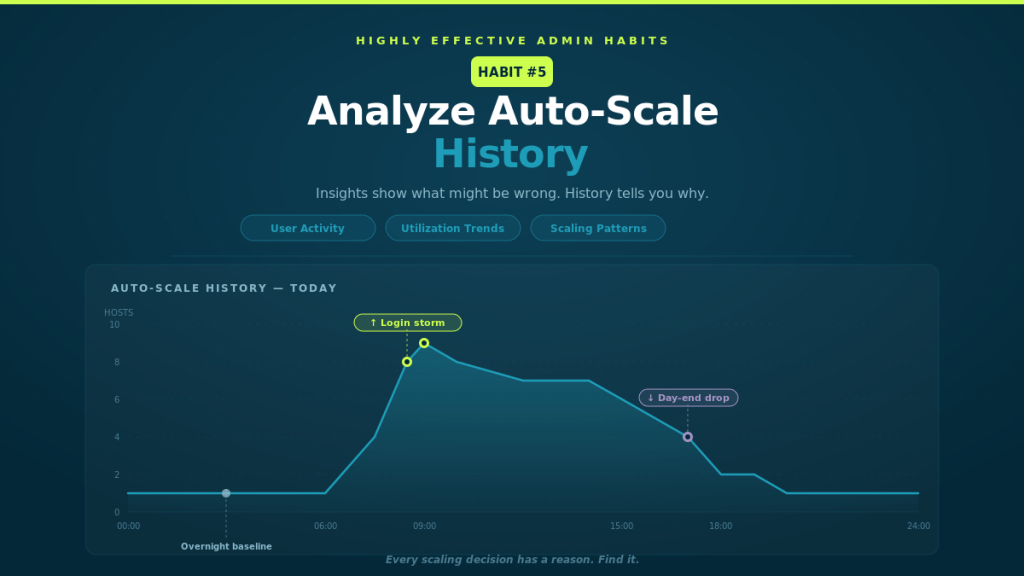
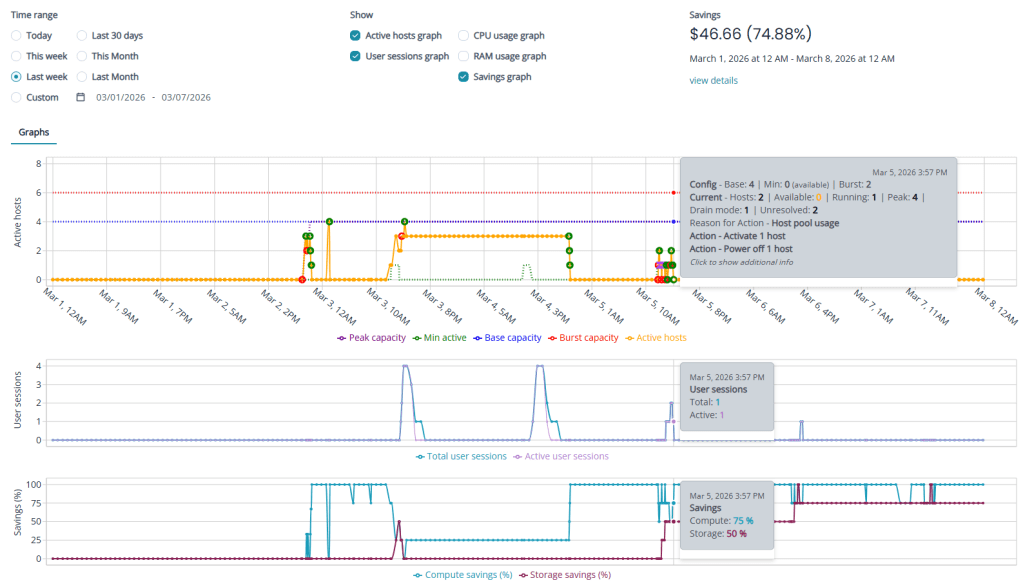
- Autoscale is tuned
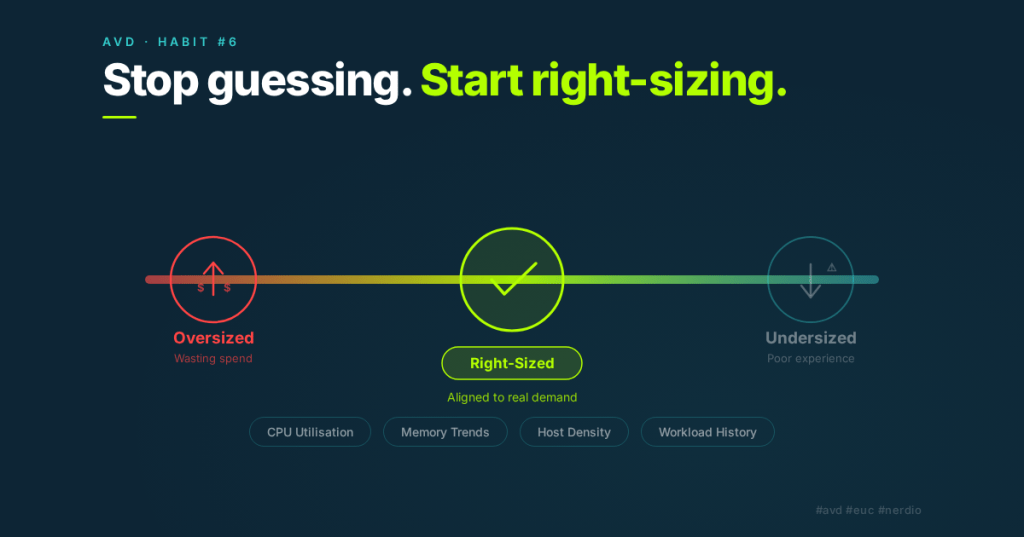
- VM sizing is aligned with demand
Habit #7 completes the picture.
It ensures that the monitoring layer itself is optimised, not just the infrastructure it observes.
The Real Takeaway
Monitoring is essential.
But more data doesn’t always mean more value.
Highly effective admins understand this.
They don’t collect everything.
They collect what matters.
And they do it efficiently.
Closing the Series
That’s the final habit in the series.
The 7 Habits of Highly Effective Nerdio Admins aren’t about individual features.
They’re about operational discipline:
- Build consistently
- Patch predictably
- Separate concerns
- Optimise continuously
- Use data to drive decisions
Individually, each habit adds value.
Together, they create environments that are:
- Stable
- Scalable
- Cost-efficient
- Predictable
And ultimately — easier to manage.