Blog
-
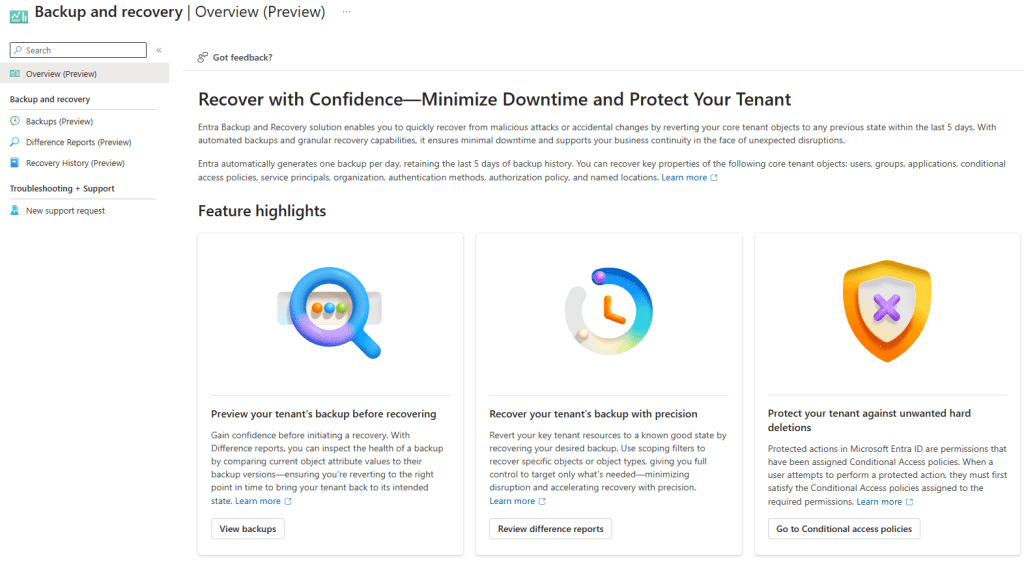
Microsoft Entra Backup and Recovery: The Safety Net Your Tenant Has Always Needed
Microsoft Entra Backup and Recovery, launched in public preview in March 2026, offers automated, tamper-proof daily backups of Entra ID tenants for P1/P2 licensed users. This service enables easy recovery…
-
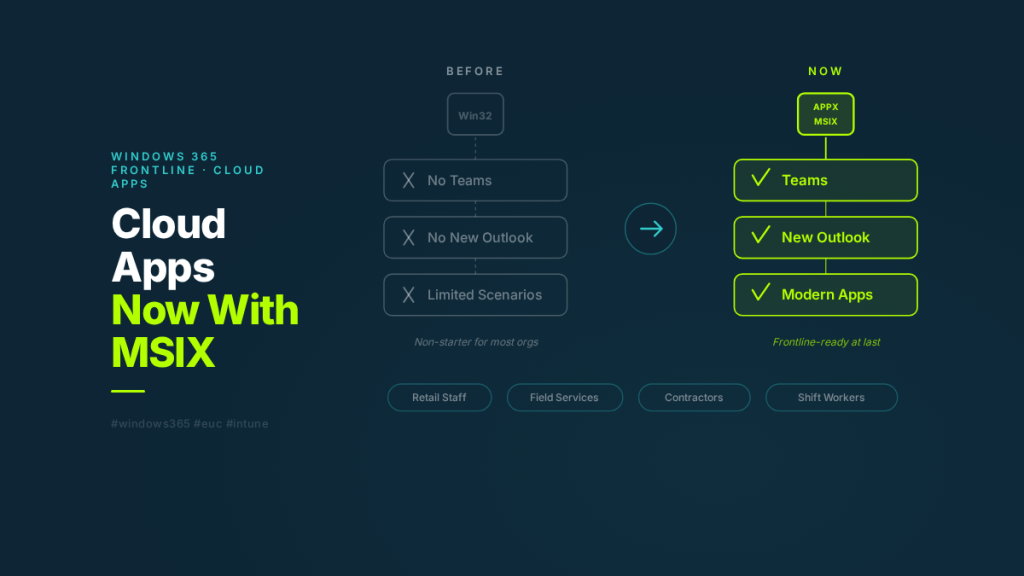
Windows 365 Cloud Apps Just Got Serious: APPX and MSIX Support Changes Everything for Frontline
Windows 365 Cloud Apps now supports APPX and MSIX apps — including Teams and the new Outlook. Here’s what changed, how Cloud Apps actually works under the hood, and why…
-
Habit #7: Optimise Log Analytics
Effective monitoring in Azure Virtual Desktop is crucial but can incur high costs through data ingestion. Administrators must optimize Log Analytics by adjusting data collection frequency, reviewing collected metrics, and…
-
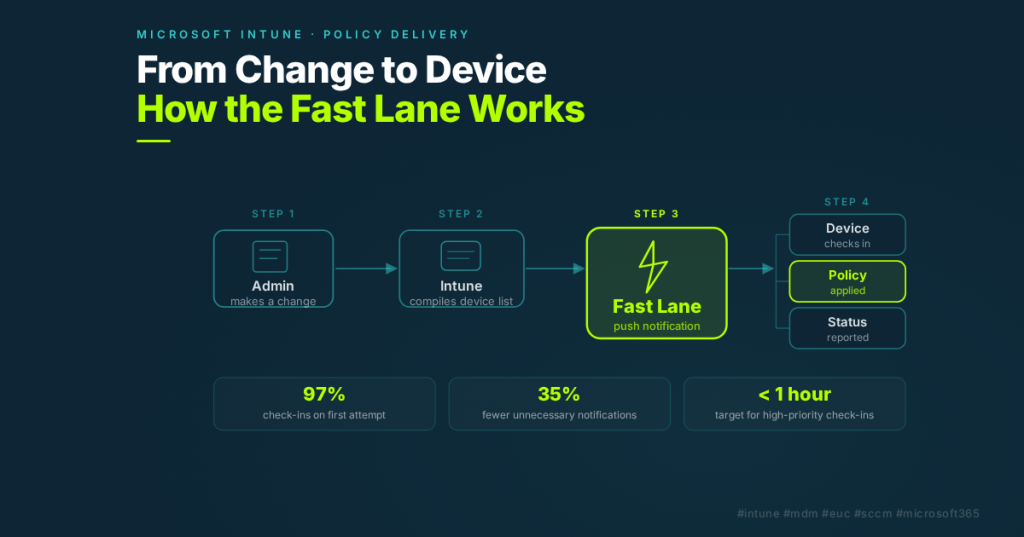
Why Your Intune Policies Don’t Apply Instantly — And How That’s Changing
Learn how Intune delivers policy changes to devices, what the “Fast Lane” is, and what Microsoft is doing to make it faster. Essential reading for teams migrating from SCCM.
-
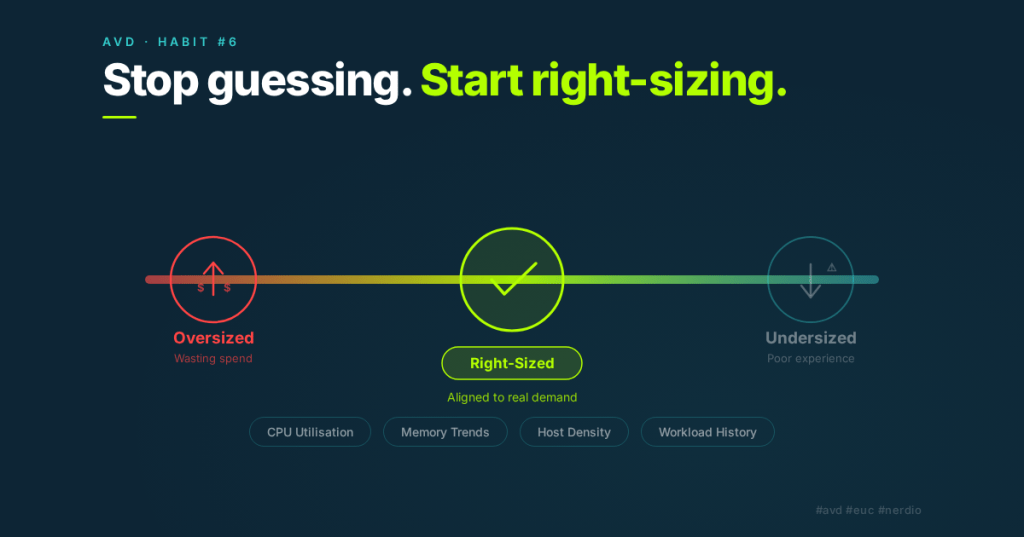
Habit #6: Regularly Right-Size Using Nerdio Advisor
Azure Virtual Desktop environments require regular right-sizing due to evolving demands, such as user density and application changes. Effective administrators utilize tools like Nerdio Advisor to assess VM sizes and…
-
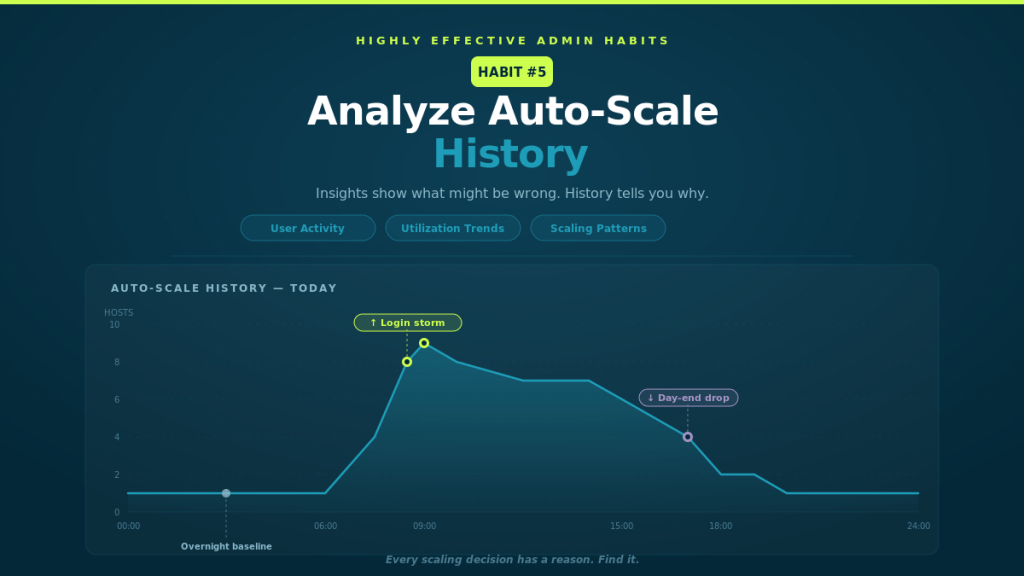
Habit #5: Analyse Auto-Scale History
Auto-Scale, though simple in concept, often behaves unexpectedly, prompting admins to adjust settings. However, effective admins analyze Auto-Scale history to understand its responses to active user sessions, CPU, and memory…
-

Habit #4: Act on Auto-Scale Insights
Auto-scaling in Azure Virtual Desktop requires ongoing attention to remain effective. Environments evolve over time due to changing user patterns and application demands. Effective admins regularly review Auto-Scale Insights to…
-
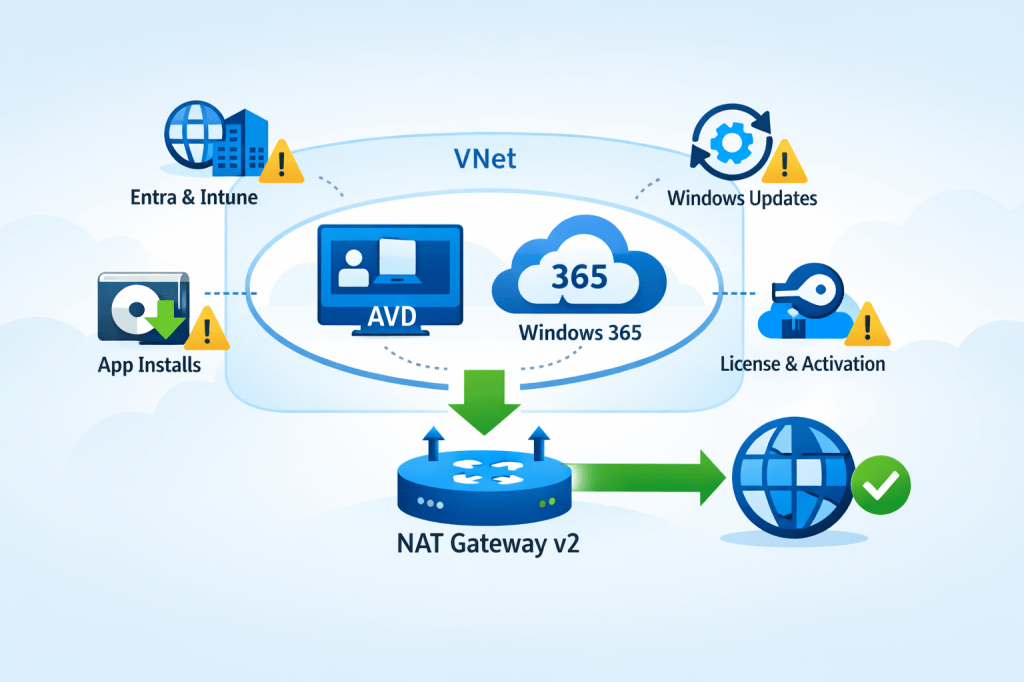
March 31, 2026, is coming: New Azure VNets won’t have outbound internet by default — here’s the EUC-ready fix (NAT Gateway v2)
Starting March 31, 2026, new Azure Virtual Networks will default to private subnets, disabling outbound internet access unless explicitly configured. This update could disrupt services like Windows activation and updates…
-
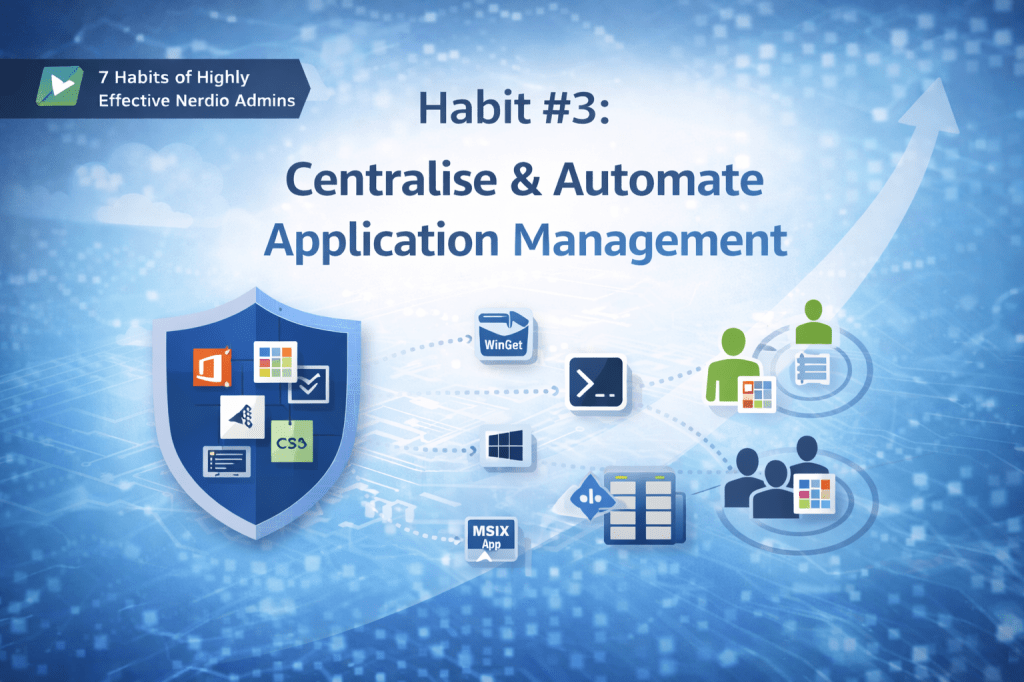
Habit #3: Centralise and Automate Application Management
The article discusses the importance of centralized and automated application management in IT environments to prevent complexity and instability. Effective admins decouple applications from desktop images, centralize delivery methods, and…
-
Habit #2: Automate Windows Patching and Host Lifecycle
Once desktop image management is standardized, the focus shifts to Windows patching, which can become a challenge. Effective admins automate patching as a controlled workflow instead of manual tasks, varying…
