Blog
-
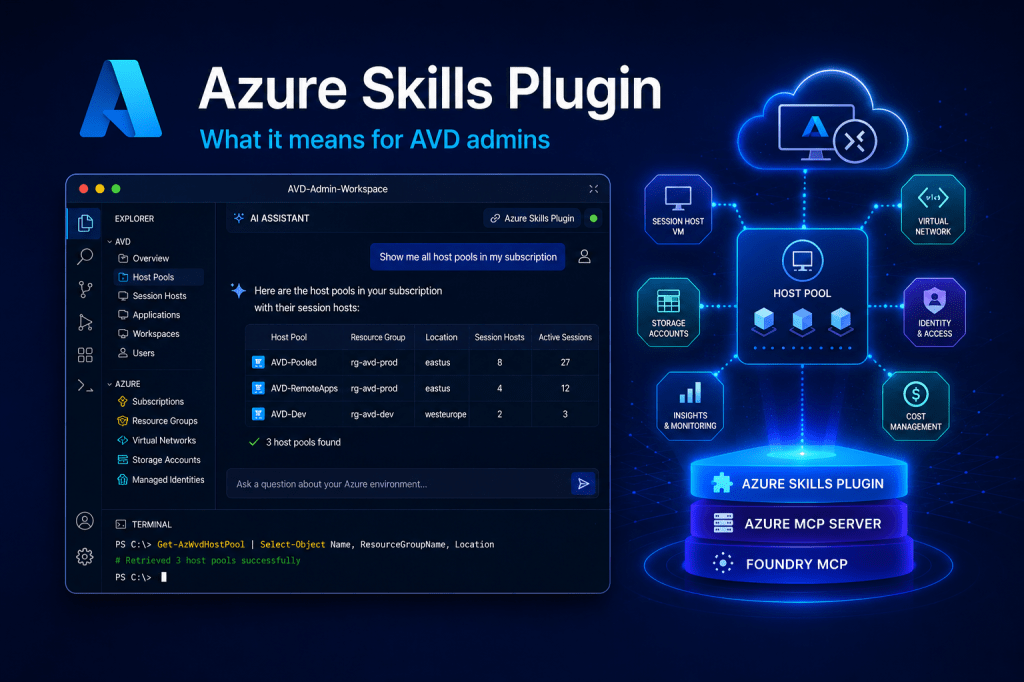
Microsoft Just Packaged Azure Expertise into a Plugin. Here’s What It Means for AVD Admins.
Microsoft’s new Azure Skills Plugin bundles curated Azure expertise, the Azure MCP Server and Foundry MCP into one install. Here’s what it does for an AVD admin, and where the…
-
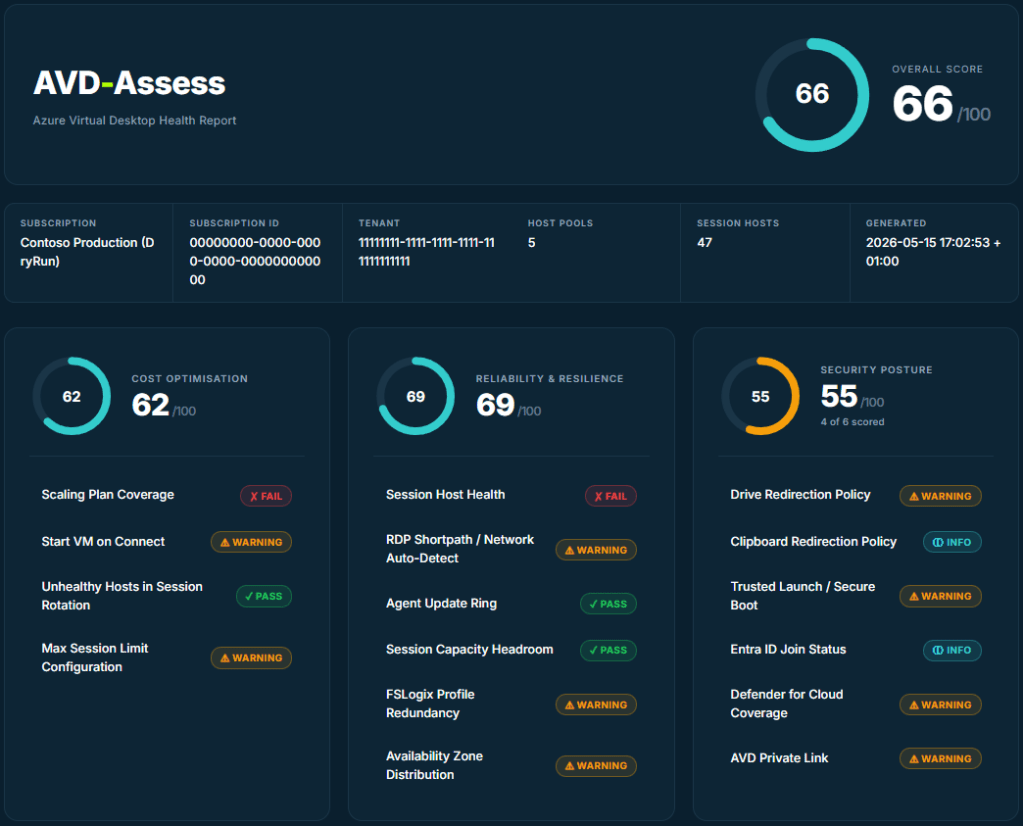
AVD-Assess: a free, open-source Well-Architected health check for Azure Virtual Desktop
AVD-Assess is a free, open-source PowerShell tool that runs 25 Well-Architected checks against your Azure Virtual Desktop estate and scores it.
-
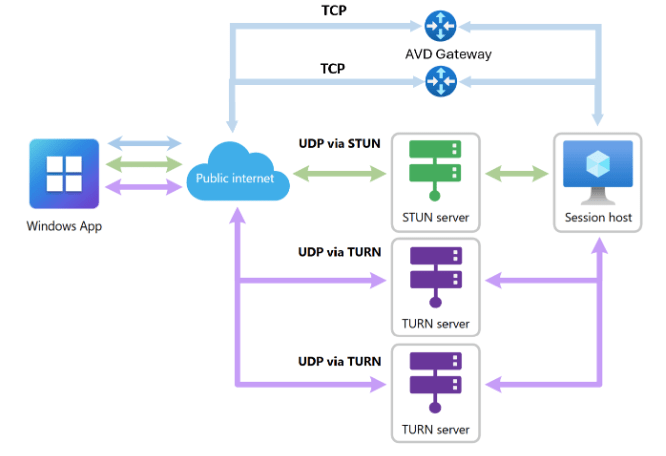
Your Most Locked-Down Users Just Got AVD’s Biggest Connectivity Upgrade in Years
Microsoft has introduced redundant TCP transport paths for Azure Virtual Desktop (AVD), improving connectivity for users in sectors like finance and healthcare, where UDP is often blocked. This allows seamless…
-
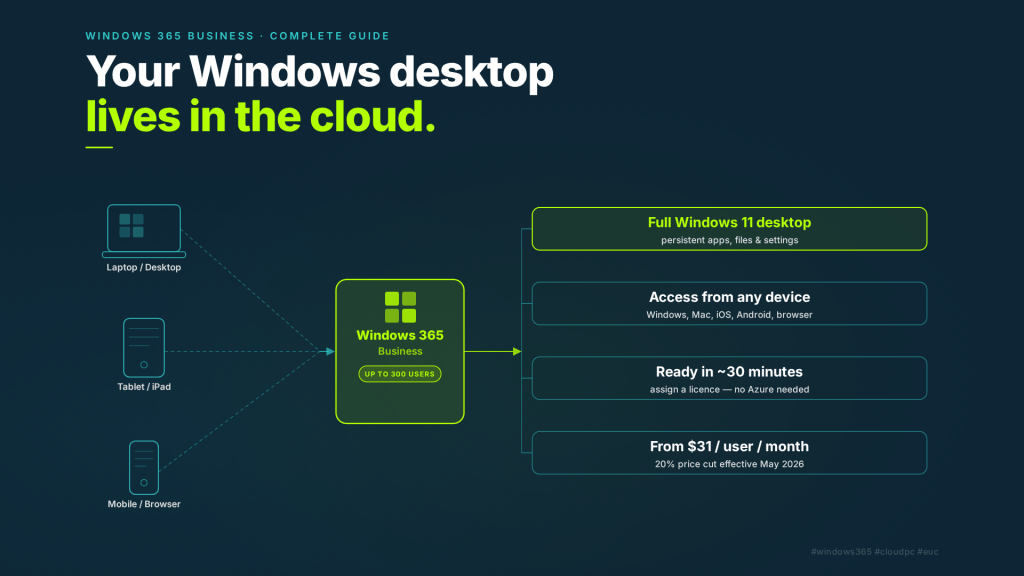
Windows 365 Business: What It Is, Who It’s For, and How to Get Started
Microsoft just cut Windows 365 Business prices by 20%. Here’s what Windows 365 Business actually is, who it’s for, and a step-by-step guide to getting your first Cloud PC up…
-
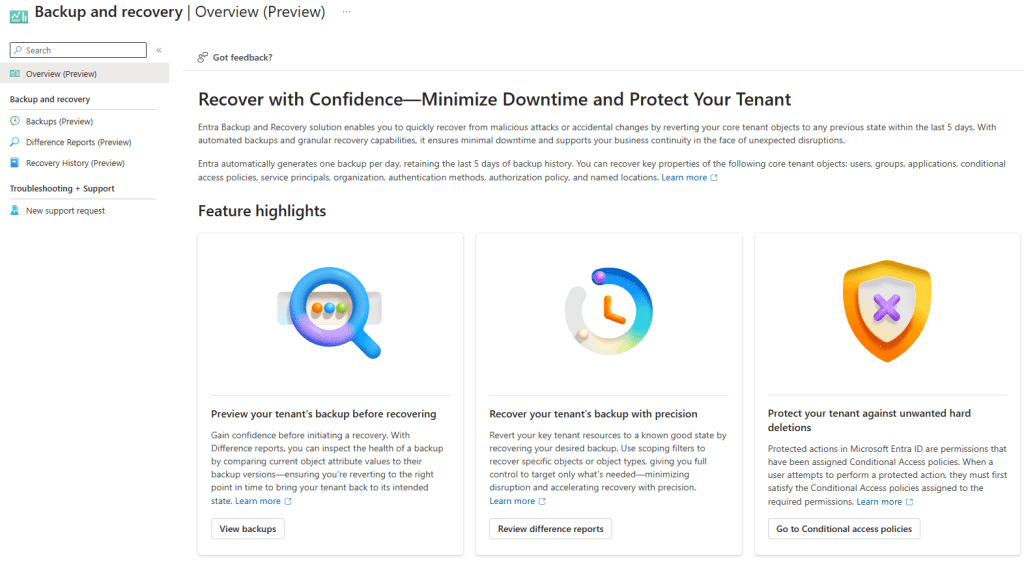
Microsoft Entra Backup and Recovery: The Safety Net Your Tenant Has Always Needed
Microsoft Entra Backup and Recovery, launched in public preview in March 2026, offers automated, tamper-proof daily backups of Entra ID tenants for P1/P2 licensed users. This service enables easy recovery…
-
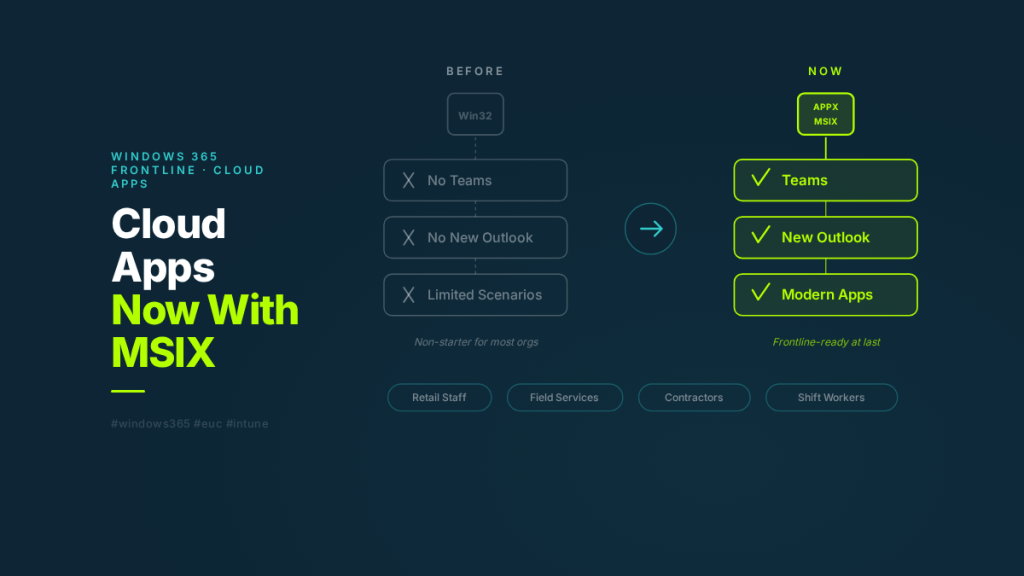
Windows 365 Cloud Apps Just Got Serious: APPX and MSIX Support Changes Everything for Frontline
Windows 365 Cloud Apps now supports APPX and MSIX apps — including Teams and the new Outlook. Here’s what changed, how Cloud Apps actually works under the hood, and why…
-
Habit #7: Optimise Log Analytics
Effective monitoring in Azure Virtual Desktop is crucial but can incur high costs through data ingestion. Administrators must optimize Log Analytics by adjusting data collection frequency, reviewing collected metrics, and…
-
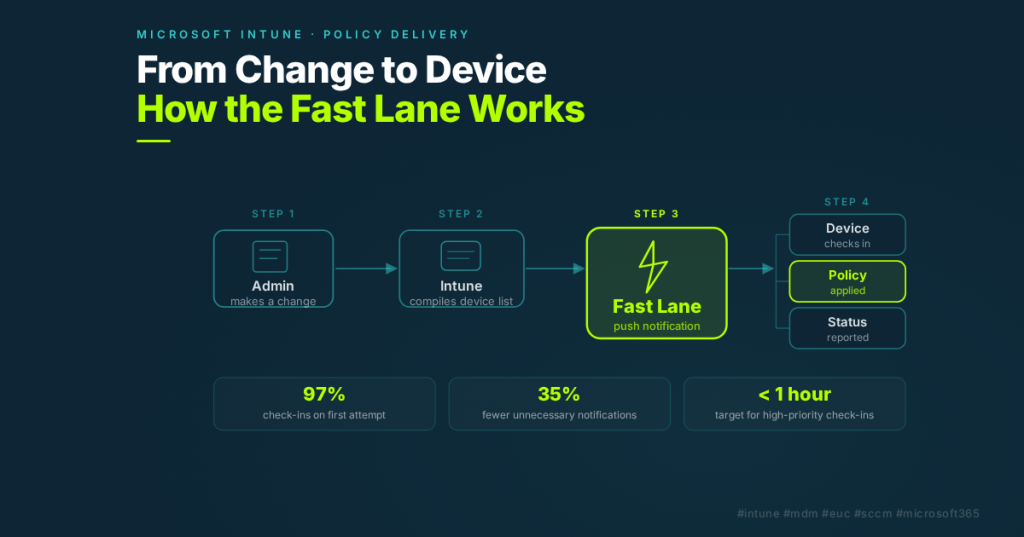
Why Your Intune Policies Don’t Apply Instantly — And How That’s Changing
Learn how Intune delivers policy changes to devices, what the “Fast Lane” is, and what Microsoft is doing to make it faster. Essential reading for teams migrating from SCCM.
-
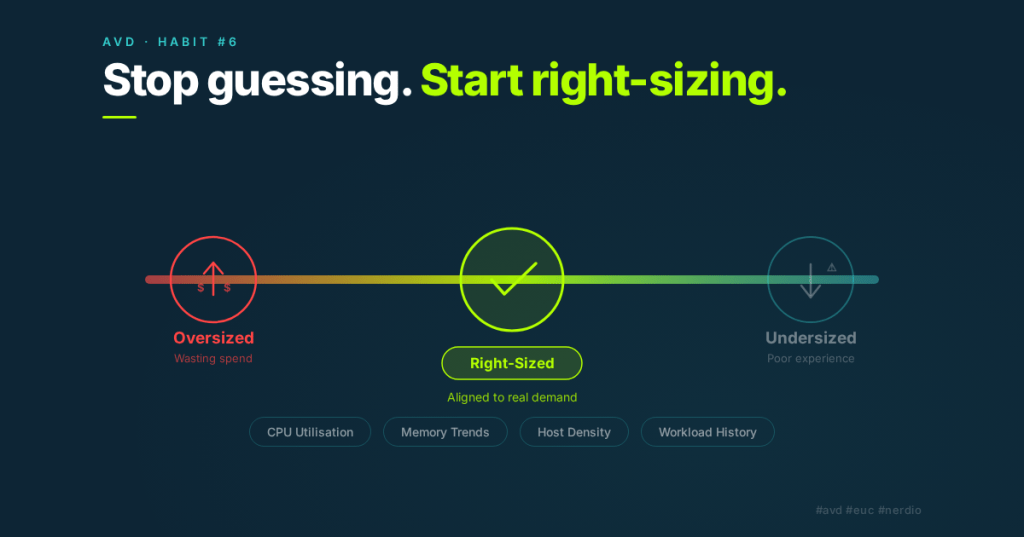
Habit #6: Regularly Right-Size Using Nerdio Advisor
Azure Virtual Desktop environments require regular right-sizing due to evolving demands, such as user density and application changes. Effective administrators utilize tools like Nerdio Advisor to assess VM sizes and…
-
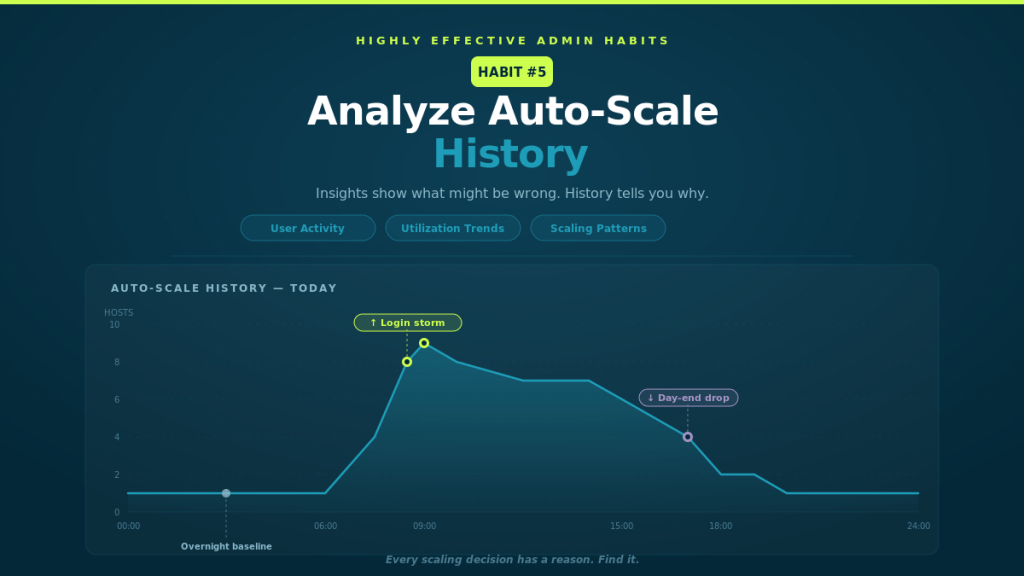
Habit #5: Analyse Auto-Scale History
Auto-Scale, though simple in concept, often behaves unexpectedly, prompting admins to adjust settings. However, effective admins analyze Auto-Scale history to understand its responses to active user sessions, CPU, and memory…
